
PF Balance Check 2026
Introduced
The Employees’ Provident Fund (EPF) is one of India’s most important retirement savings schemes for salaried employees. Managed by the Employees' Provident Fund Organisation, the EPF scheme helps employees build long-term savings through monthly contributions from both the employee and employer.
Checking your PF balance regularly is important because it helps you:
Verify monthly employer contributions
Track accumulated retirement savings
Detect missing or delayed deposits
Monitor interest credited by EPFO
Plan withdrawals or transfers when changing jobs
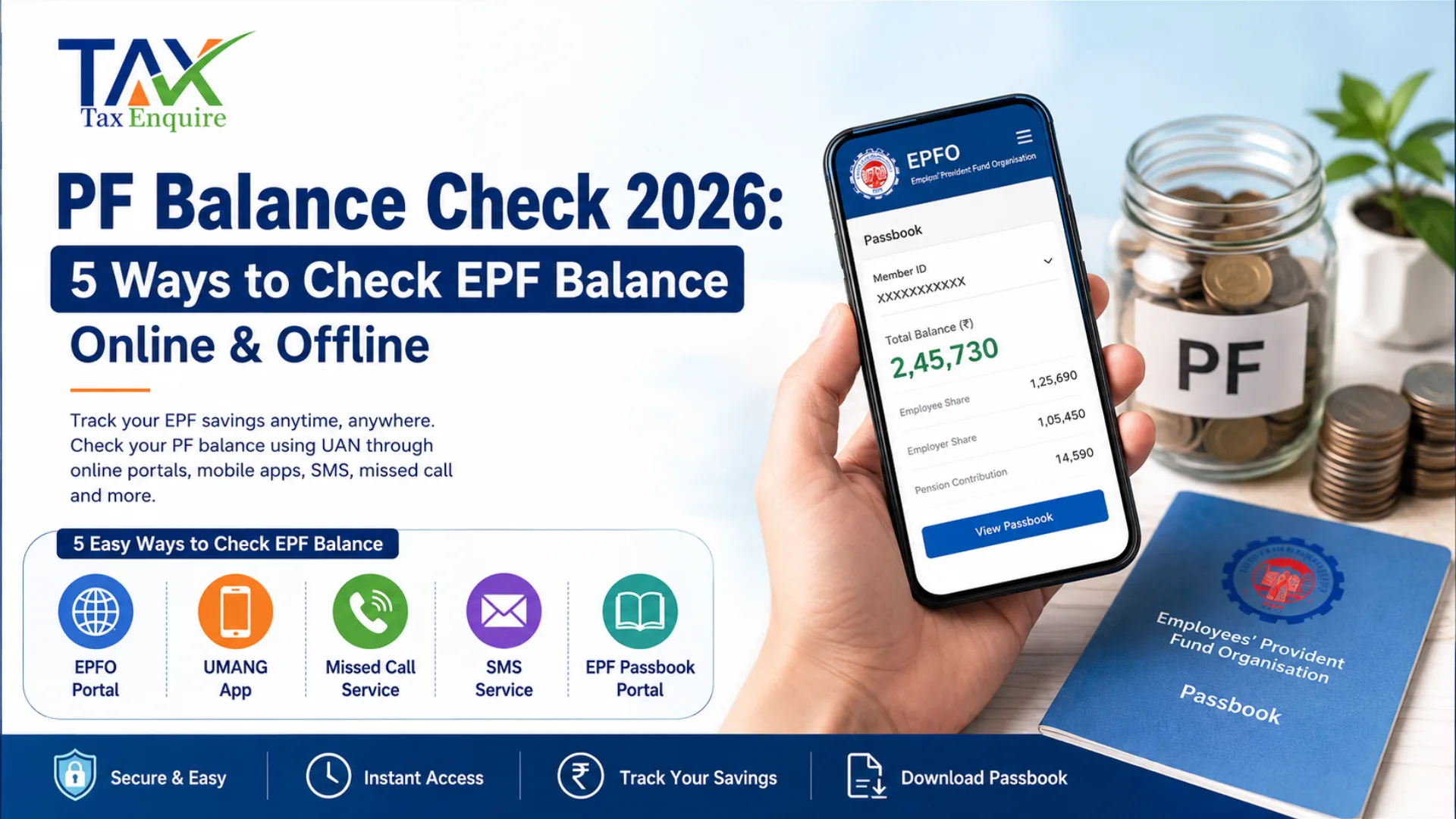
In 2026, EPFO offers multiple ways to check your EPF balance online and offline. You can access your balance through the EPFO portal, UMANG app, missed call service, SMS facility, or EPF passbook portal.
This guide explains all available methods, eligibility requirements, troubleshooting issues, and how to transfer or download your EPF passbook.
EPF Balance Check Using UAN (Online)
The Universal Account Number (UAN) is a unique 12-digit number assigned to every EPF member. It links all PF accounts associated with different employers.
To check your EPF balance online using UAN:
Your UAN must be activated
Mobile number must be linked with UAN
KYC details should be updated
Aadhaar and PAN should ideally be verified
Online balance checking is the fastest and most accurate method available.
1. PF Balance Check through EPFO Portal
The EPFO Member Portal allows employees to access their PF passbook and contribution history online.
Steps to Check PF Balance via EPFO Portal
Visit the official EPFO Member Passbook portal ‘https://passbook.epfindia.gov.in/MemberPassBook/login’.
Enter your UAN, password, and captcha.
Log in to your account.
Select the relevant Member ID.
Your EPF balance and passbook details will appear on the screen.
Information Available in EPF Passbook
Employee contribution
Employer contribution
Pension contribution
Interest credited
Opening and closing balance
Monthly deposits
Important Points
Passbook is usually updated within 24 hours of contribution settlement.
Newly activated UANs may take some time before passbook access becomes available.
Exempted establishments may not display complete passbook data on EPFO portal.
2. PF Balance Check through UMANG App
The UMANG app provides access to several government services, including EPFO facilities.
Steps to Check PF Balance Using UMANG
Download and install the UMANG app.
Register using your mobile number.
Search for “EPFO”.
Select “Employee Centric Services”.
Click “View Passbook”.
Enter your UAN and OTP received on your registered mobile number.
View your EPF balance and passbook.
Benefits of Using UMANG Mobile-friendly access Instant balance check Download passbook facility Access to multiple government services in one app EPF Balance Check Without Using UAN (Offline) Employees who do not have internet access can still check their EPF balance using offline services provided by EPFO. These services work through the registered mobile number linked to the UAN. 1. PF Balance Check through Missed Call Number EPFO provides a free missed call facility for balance enquiry. EPF Missed Call Number is 9966044425. How It Works Give a missed call from your registered mobile number. The call disconnects automatically after two rings. You receive an SMS containing: PF balance Last contribution UAN details Conditions Mobile number must be linked with UAN UAN should be activated KYC should be completed 2. PF Balance Check through SMS Number Employees can also check PF balance through SMS. SMS Format Send: “EPFOHO UAN ENG” To: 7738299899 Language Options Replace “ENG” with language code: What it means of “EPFOHO UAN ENG”: Employees' Provident Fund Organization Head Office - Universal Account Number and the last three is denoted to Languages. Requirements UAN must be activated Mobile number must be registered Aadhaar/PAN/Bank KYC should be linked PF Balance Check without Registered Mobile Number If your registered mobile number is inactive or unavailable, you can still access your PF balance through the EPF passbook portal. However, you must remember your UAN credentials. 1. PF Balance Check Through Member Passbook Portal Steps Open the EPFO passbook portal. Log in using UAN and password. Select your Member ID. View contribution details and PF balance. Alternative Options If you cannot access your registered mobile number: Update mobile number through employer or EPFO Use Aadhaar-based verification Visit the nearest EPFO office How to Check EPF Balance for Exempted Establishments? Certain companies maintain private PF trusts approved by EPFO. These are called exempted establishments. In such cases: EPFO may not display updated balance information Passbook facility may not work fully Contribution data is managed internally by employer trust Ways to Check Balance in Exempted Establishments Check salary slips Contact HR department Access employer PF trust portal Review annual PF statements Common Examples Large companies with in-house PF trusts often operate as exempted establishments. How to Download EPF Passbook The EPF passbook acts as an official statement of your PF account. It contains: Monthly contributions Interest updates Employer deposits Pension contributions 1. Through EPFO Member Portal Steps Log in to the EPFO passbook portal. Select Member ID. Open passbook. Click “Download” or “Print”. The passbook downloads in PDF format. 2. Through UMANG App Steps Open the UMANG app. Navigate to EPFO services. Select “View Passbook”. Verify via OTP. Download passbook PDF. 3. Through Digi-Locker Digi-Locker also allows EPF document access. Steps Log in to Digi-Locker. Search for EPFO services. Link UAN details. Fetch EPF documents and passbook. Benefits Secure cloud storage Anytime document access Government-authorised digital records
Why Can't I Check My Balance?
Many users face EPF balance access issues due to technical or KYC-related problems.
Common Reasons
Solutions
Activate UAN
Update KYC details
Verify Aadhaar linkage
Contact employer
Wait for contribution update
Raise grievance through EPFiGMS
EPF Balance Transfer
When changing jobs, employees should transfer their old PF balance to the new employer account instead of withdrawing funds.
Benefits of PF Transfer
Continuous service history
Pension benefits continuity
Tax benefits retained
Easier retirement planning
Online PF Transfer Process
Log in to the UAN Member Portal.
Select “Online Services”.
Click “One Member One EPF Account Transfer Request”.
Verify personal details.
Select previous or current employer for attestation.
Submit OTP verification.
Track transfer status online.
Important Notes Aadhaar-linked UAN simplifies transfer Employer approval may be required Multiple PF accounts can be merged Key Takeaways EPF balance can be checked online and offline. UAN activation is essential for most services. EPFO portal and UMANG app provide complete passbook access. Missed call and SMS services work without the internet. Exempted establishments maintain PF balances separately. Regular balance checking helps identify missing contributions. PF transfer is preferable to withdrawal when changing jobs. Conclusion Checking your EPF balance in 2026 has become faster and more convenient with digital services offered by the Employees' Provident Fund Organisation. Whether you prefer using the EPFO portal, UMANG app, SMS, or missed call facility, employees now have multiple secure options to monitor their retirement savings. Regularly reviewing your PF balance helps ensure timely employer contributions, accurate interest credit, and better financial planning. Employees should also keep their UAN activated, KYC updated, and mobile number linked to avoid access issues and ensure seamless EPF services. Author: CA POONAM GUPTA & ADV LOKESH GUPTA
© 2026 Tax Esquire | Expert CA Services in Greater Noida, Uttar Pradesh
8810380146 | info.taxesquire@gmail.com | taxesquire.in
This document is for informational purposes only. For personalised tax advice, consult our chartered accountants.