Download 26AS From
Introduction
Form 26AS is an important tax document that provides a consolidated record of all tax-related details linked to your PAN. It acts as a tax passbook, reflecting the taxes deducted, collected, or paid on your behalf during a financial year.
Before filing your Income Tax Return (ITR), checking Form 26AS is essential to ensure that the tax credits claimed by you match with the records available with the Income Tax Department. This helps in avoiding errors, notices, and mismatches.
What Information Does Form 26AS Contain?
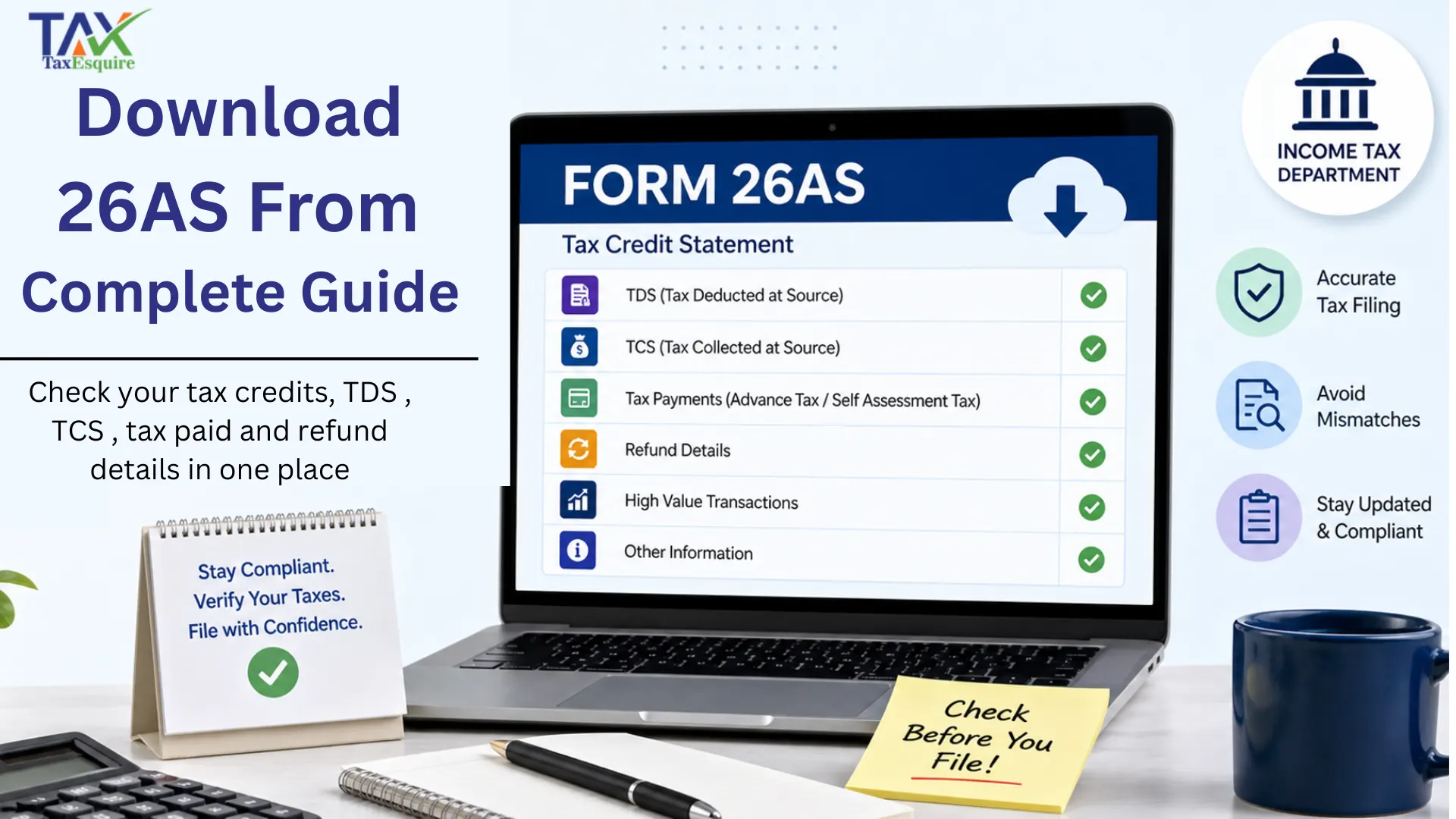
Form 26AS includes a wide range of financial and tax-related information such as:
TDS (Tax Deducted at Source): Tax deducted by employers, banks, or other deductors
TCS (Tax Collected at Source): Tax collected by sellers on specific transactions
Advance Tax & Self-Assessment Tax: Taxes paid directly by the taxpayer
Tax Refund Details: Refunds issued by the department
High-Value Transactions: Specified financial transactions like large investments, property purchases, etc.
Other Financial Information: Certain income and transaction details reported to tax authorities
This makes Form 26AS a comprehensive statement for tax verification.
Who Can Download Form 26AS? Form 26AS can be accessed by: Individual taxpayers with a valid PAN Businesses and professionals Any taxpayer registered on the Income Tax portal In short, anyone whose tax details are recorded against a PAN can download and view Form 26AS. Ways to Download Form 26AS There are multiple ways to download Form 26AS, making it easily accessible for taxpayers: Income Tax E-Filing Portal – The most common and direct method TRACES Portal – Accessed via redirection from the income tax website Net Banking Facility – Available through selected authorized banks Each method is secure and provides access to the same tax credit statement. Step-by-Step Guide to Download Form 26AS Follow these simple steps to download Form 26AS: Visit the Income Tax E-Filing website Log in using your PAN (User ID), password, and captcha Go to the ‘e-File’ section Click on ‘Income Tax Returns’ and select ‘View Form 26AS’ You will be redirected to the TRACES portal Accept the disclaimer to proceed Select the Assessment Year Choose the format (HTML, PDF, or Text) Click Download Your Form 26AS will be available for viewing or saving. Conclusion Form 26AS is a crucial document for every taxpayer as it ensures transparency and accuracy in tax filing. Downloading and reviewing it regularly helps you verify tax credits, avoid mismatches, and file error-free returns. Before submitting your ITR, always cross-check your income and tax details with Form 26AS to ensure compliance and peace of mind